
Why Use Slack Notifications with n8n?
Slack is where teams collaborate. n8n is where automation happens.
Slack notifications with n8n
When combined, you can:
✅ Send real-time alerts
✅ Automate reminders
✅ Post daily/weekly reports
✅ Monitor errors automatically
✅ Notify team about new leads or sales
No more checking dashboards manually.
🔔 1. Real-Time Alerts (Sales, Errors, Leads)
Example Use Cases:
🛒 New WooCommerce order → Post in Slack
📧 New lead from website → Alert sales team
⚠️ Server error → Notify developer channel
📊 Form submission → Send message to HR team
Basic Workflow Structure in n8n:
Trigger (Webhook / WooCommerce / Google Sheets / Email)
→ Process Data (Set / IF Node)
→ Slack Node (Send Message)
Example Slack Message Format:
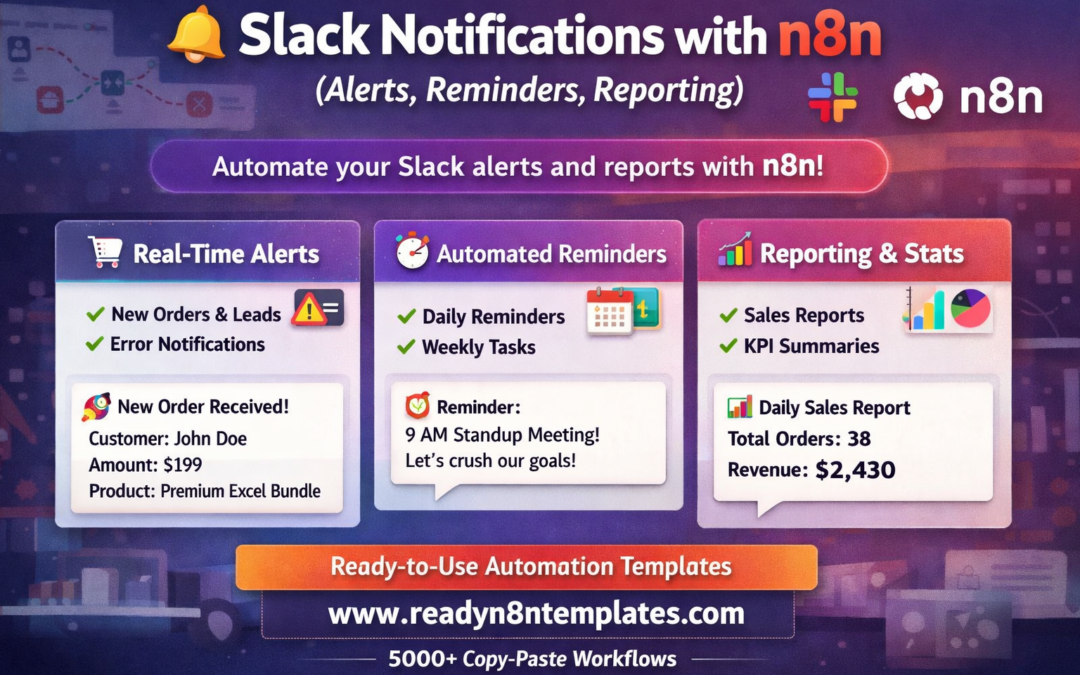
🚀 New Order Received!
Customer: John Doe
Amount: $199
Product: Premium Excel Bundle
Simple. Clean. Instant.
⏰ 2. Automated Reminders
You can schedule reminders using the Cron node in n8n.
Examples:
Daily 9 AM team reminder
Weekly performance summary
Monthly invoice reminder
Follow-up reminder for sales leads
Workflow:
Cron → Get Data → Format → Slack Node
Example Reminder:
📢 Good Morning Team!
Today’s Target: 25 new leads.
Let’s achieve it!
Fully automated.
📊 3. Automated Reporting to Slack
Stop opening dashboards daily.
Instead:
Pull data from Google Sheets
Fetch analytics data
Get sales numbers
Generate summary report
Send it to Slack
Example Report:
📊 Daily Sales Report
Total Orders: 38
Revenue: $2,430
Top Product: Excel Financial Dashboard
Conversion Rate: 3.8%
You can also use Slack’s Block formatting for better message styling.
🔄 Advanced Slack + n8n Ideas
🔥 Notify when Stripe payment fails
📈 Alert when website traffic drops
📝 Post new blog publish notifications
🧾 Send invoice confirmations
🎯 Notify affiliate commission earned
📦 Shipment tracking updates
🧑💻 GitHub commit alerts
Everything runs automatically once activated.
🛠 How to Connect Slack with n8n
Create a Slack App
Generate Bot Token
Add required permissions (chat:write)
Install app to workspace
In n8n → Add Slack Node
Paste Bot Token
Select Channel
Test & Activate Workflow
That’s it.
💰 Save Time & Money
Instead of building custom integrations from scratch:
Use ready-made workflows
Copy, paste, activate
Modify as needed
You can find ready-to-use Slack notification workflows here:
👉 https://www.readyn8ntemplates.com
(5,000+ ready copy-paste automation templates)
🎯 Final Thoughts
Slack notifications with n8n turn your Slack workspace into a real-time business control center.
You get alerts when something important happens — not noise, just actionable information.
Start automating today with ready-built workflows from: