
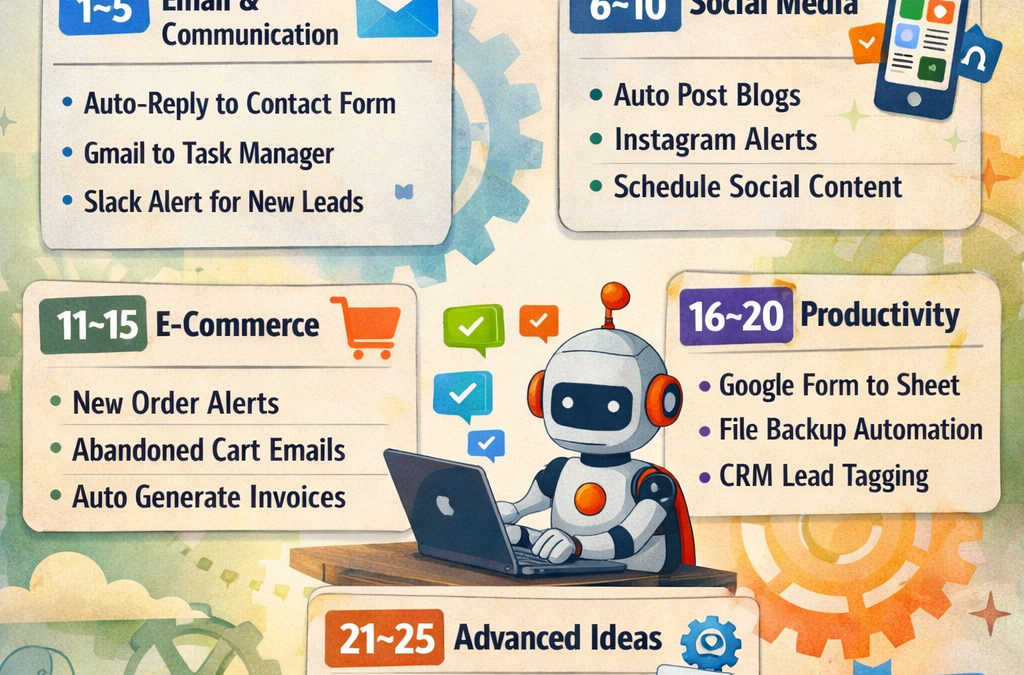
Top 25 n8n Automation Ideas for Beginners (With Real Business Use Cases)
n8n is one of the most powerful open-source workflow automation tools available today. Whether you are a freelancer, small business owner, or startup founder, n8n helps you automate repetitive tasks without heavy coding.
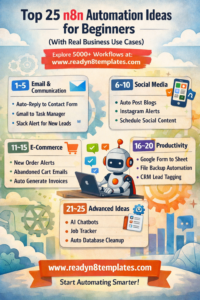
Top 25 n8n automation ideas for beginners
If you’re just getting started, here are 25 beginner-friendly n8n automation ideas you can implement today — and scale later for real business growth.
👉 Explore ready-made workflows at: www.readyn8ntemplates.com
Why Beginners Should Start with n8n
No-code / low-code platform
Works with 400+ integrations
Cloud or self-hosted options
Saves time & reduces manual work
Perfect for small businesses
Now let’s jump into practical ideas 👇
🔹 1–5: Email & Communication Automations
1. Auto-Reply to Contact Form Submissions
When someone fills your website form → Send automatic email response + save data to Google Sheets.
2. Gmail to Task Manager
New Gmail email → Create task in Trello or Click Up.
3. Daily Email Summary
Collect important emails → Send daily summary at 6 PM.
4. Slack Notification for New Leads
New lead from Facebook Ads → Send instant Slack alert.
5. Auto Follow-Up Reminder
If a client doesn’t reply in 3 days → Send reminder email automatically.
🔹 6–10: Social Media Automations
6. Auto Post Blog to Social Media
Publish blog → Automatically post to Facebook, LinkedIn & Twitter.
7. Instagram Comment Alert
New Instagram comment → Send Telegram notification.
8. Schedule Social Content
Add content to Google Sheet → Auto-post at scheduled time.
9. YouTube Upload Notification
New YouTube video → Send email to subscribers list.
10. Social Media Analytics Report
Collect stats weekly → Generate simple report & email it.
🔹 11–15: E-commerce & Business Automations
11. New Order Alert
New WooCommerce order → Send WhatsApp notification.
12. Abandoned Cart Reminder
Customer abandons cart → Send reminder email.
13. Invoice Generator
New order → Automatically generate invoice PDF.
14. Customer Data Sync
Sync customer data between Shopify & CRM.
15. Daily Sales Report
Collect sales data → Send daily sales summary to manager.
🔹 16–20: Productivity & Workflow Automation
16. Google Form to Spreadsheet
New Google Form → Automatically update database.
17. File Backup Automation
Upload file to Dropbox → Copy backup to Google Drive.
18. CRM Lead Tagging
New lead → Auto-tag based on keywords.
19. Meeting Reminder
New Google Calendar event → Send SMS reminder 1 hour before.
20. Auto PDF Data Extractor
Upload invoice → Extract data → Save to spreadsheet.
🔹 21–25: Advanced Beginner Ideas (Step-Up Level)
21. AI Chatbot Integration
Website message → Send to AI → Generate response draft.
22. Job Application Tracker
New email with CV → Save applicant data in Notion.
23. News Aggregator
Collect industry news daily → Send curated digest.
24. Auto Database Cleanup
Remove duplicate entries weekly.
25. Multi-Step Client Onboarding
New client → Send welcome email → Create folder → Add CRM entry → Notify team.
How Beginners Should Start
Start with simple 2–3 node workflows
Test each node individually
Use error handling
Use templates to save time
Scale step by step
Why Use Ready-Made Templates?
Instead of building everything from scratch, you can:
✅ Save 10+ hours of setup time
✅ Learn by reverse engineering
✅ Avoid beginner mistakes
✅ Deploy faster
At www.readyn8ntemplates.com
, you can get 5,000+ ready-to-use n8n workflows designed for:
Small businesses
Agencies
Freelancers
E-commerce
AI automation