
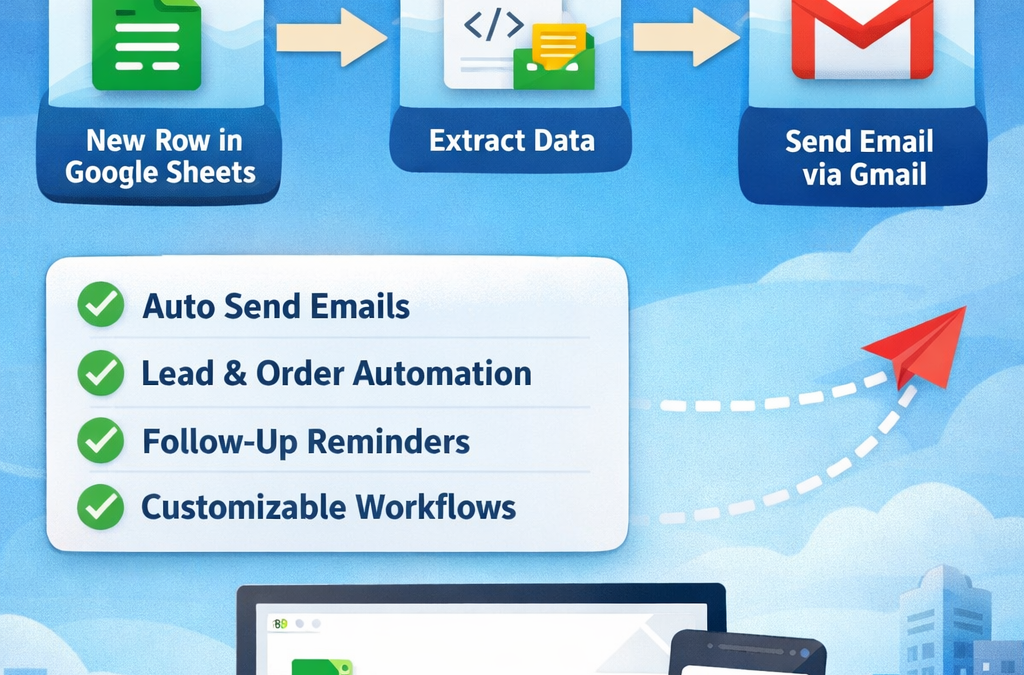
Google Sheets + Gmail Automation with n8n (Step-by-Step Guide)
In today’s digital business world, manual data entry and email sending waste valuable time. What if your Google Sheets could automatically send emails through Gmail — without you lifting a finger?
With n8n automation, this becomes simple, powerful, and fully customizable.
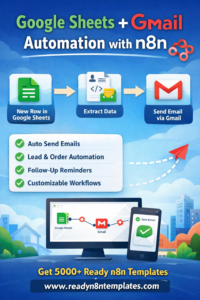
Google Sheets + Gmail Automation with n8n
If you want ready-made workflows, you can explore 5,000+ pre-built automation templates at 👉 www.readyn8ntemplates.com
Why Automate Google Sheets + Gmail?
Businesses use Google Sheets for:
Lead tracking
Customer databases
Order lists
Task management
Email marketing lists
But manually sending emails to each contact? That’s slow and inefficient.
With n8n, you can:
✔ Automatically send emails when a new row is added
✔ Send follow-ups based on sheet updates
✔ Trigger welcome emails instantly
✔ Notify your team about new leads
✔ Create personalized bulk email campaigns
How It Works (Simple Flow Overview)
Here’s the basic automation logic:
Trigger → Detect new row in Google Sheets
Read Data → Extract name, email, message
Gmail Node → Send personalized email
Optional → Update Sheet status (Sent ✔)
That’s it. Fully automated.
Step-by-Step Setup in n8n
Step 1: Connect Google Sheets
Add Google Sheets Trigger Node
Authenticate with your Google account
Select Spreadsheet + Sheet
Choose: “Trigger on New Row”
Step 2: Extract Data
Use data fields like:
{{$json[“Name”]}}
{{$json[“Email”]}}
{{$json[“Message”]}}
Step 3: Add Gmail Node
Choose Send Email
To: {{$json[“Email”]}}
Subject: Custom or dynamic
Message body:
Hi {{$json[“Name”]}},
Thank you for contacting us.
We received your request.
Best Regards,
Your Company
Step 4: (Optional) Update Sheet
Add an “Update Row” node to mark:
Status → “Email Sent”
Real Business Use Cases
1️⃣ Lead Collection Automation
New lead added in Google Sheet → Instant welcome email sent.
2️⃣ Order Confirmation System
New order row → Automatic invoice email.
3️⃣ Follow-Up Reminder
If status = “Pending” → Send reminder email after 2 days.
4️⃣ HR Automation
New candidate entry → Interview email auto-send.
Benefits for Small Businesses
Save 5–10 hours weekly
No manual copy-paste
Zero human error
Fully customizable logic
Works 24/7
This is especially powerful for startups and digital product businesses.
Want a Ready-Made Template?
Instead of building from scratch, you can download fully configured Google Sheets + Gmail workflows from:
👉 www.readyn8ntemplates.com
We provide:
5,000+ Ready-to-Use n8n Templates
Copy & Import Workflows
Beginner-Friendly Setup
Business Automation Packs
Lifetime Access Options
Final Thoughts
Google Sheets + Gmail automation is one of the easiest and most profitable workflows you can implement in your business.
If you are still sending emails manually from spreadsheet data — you are losing time and efficiency.
Start automating today with n8n.
And if you want everything ready-to-use, visit:
👉 www.readyn8ntemplates.com
Automate Smarter. Work Faster. Grow Bigger.