
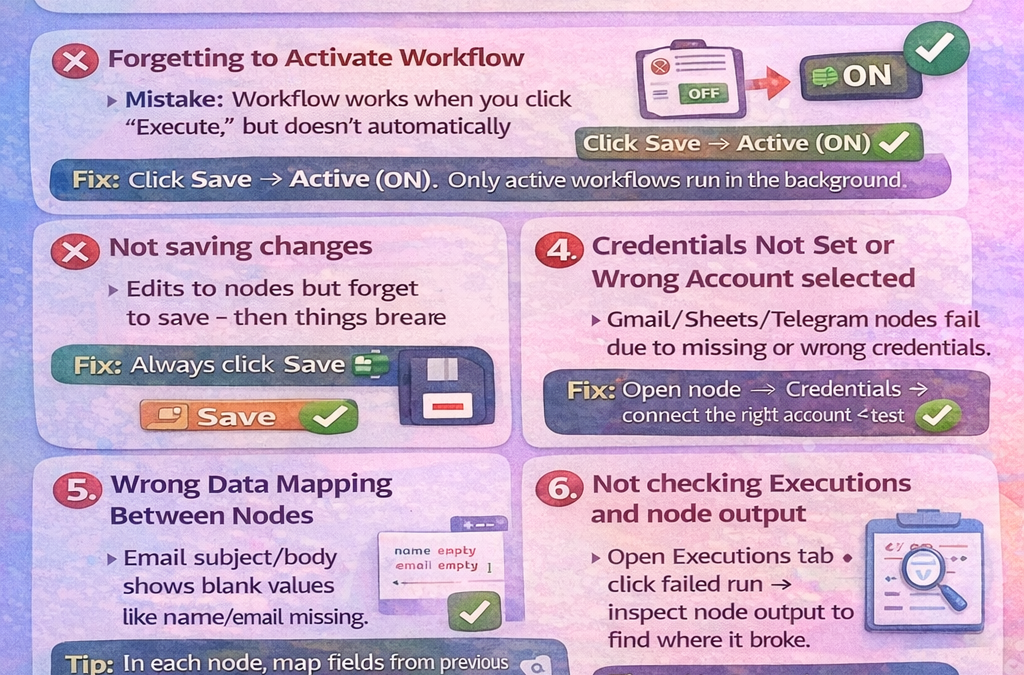
Common n8n Beginner Mistakes (and How to Avoid Them)
1) Using the Test Webhook URL in real use
Mistake: You build a webhook workflow, test it, then keep using the Test URL.
Fix: After testing, Activate the workflow and use the Production URL.
2) Forgetting to Activate the workflow
Mistake: Workflow works when you click “Execute,” but doesn’t run automatically later.
Fix: Click Save → Active (ON). Only active workflows run in the background.
3) Not saving changes
Mistake: You edit nodes but forget to save—then things break or revert.
Fix: Always click Save after changes (especially before activating).
4) Credentials not set or wrong account selected
Mistake: Gmail/Sheets/Telegram nodes fail due to missing or wrong credentials.
Fix: Open the node → Credentials → connect the right account → test again.
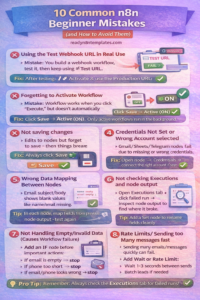
5) Wrong data mapping between nodes
Mistake: Email subject/body shows blank values like name/email missing.
Fix: In each node, map fields using the previous node’s output (use the Expression picker).
Tip: Add a Set node to rename fields cleanly (name, email, phone, message).
6) Not checking Executions and node output
Mistake: Something fails but you guess the reason.
Fix: Open Executions → click failed run → inspect each node output to find where it broke.
7) Not handling empty/invalid data (causes workflow failure)
Mistake: One lead comes with missing email → email node fails → whole workflow stops.
Fix: Add an IF node before important actions:
If email is empty → stop
If phone too short → stop
If message contains spam keywords → stop
8) Rate limits / sending too many messages fast
Mistake: Sending many emails/messages quickly can fail or get blocked.
Fix: Add Wait or Rate Limit logic:
Wait 1–3 seconds between sends
Batch leads if needed
9) Running heavy workflows without error handling
Mistake: One node fails and everything stops.
Fix: Use error handling options:
“Continue on Fail” where safe
Add notifications (send yourself an email when failure happens)
10) Building too complex too early
Mistake: Starting with big multi-branch workflows causes confusion.
Fix: Start small:
Trigger → Set → One Action
Then add steps slowly and test after every new node.