
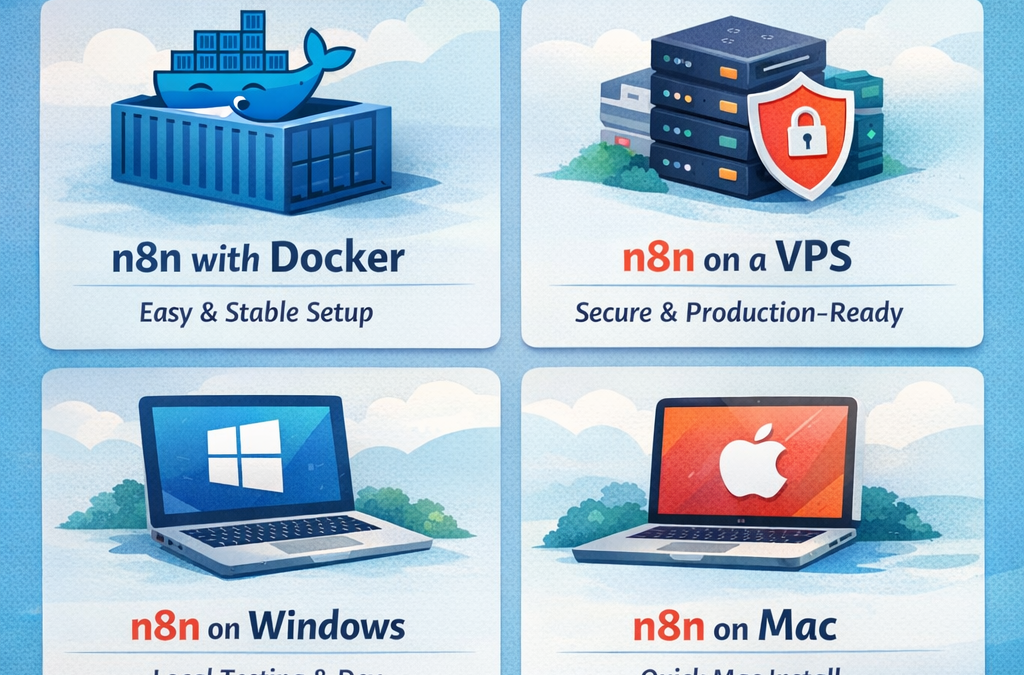
How to Install n8n (Docker, VPS, Windows, Mac) — Simple Guide
n8n is a powerful automation platform that helps you connect apps and build workflows without heavy coding. You can run n8n on your personal computer for testing, or install it on a VPS for a stable 24/7 automation system. In this quick guide, you’ll learn the easiest way to install n8n on Docker, VPS, Windows, and Mac.
If you want to save time, you can also start instantly with ready-made automation packs from www.readyn8ntemplates.com
How to Install n8n (Docker, VPS, Windows, Mac)
Install n8n with Docker (Recommended)
Docker is the easiest and most popular option because it keeps everything organized and consistent. It also helps avoid dependency issues and makes upgrades simple. With Docker, you can run n8n in minutes, and your workflows can be stored safely so they won’t disappear when you restart your system.
Best for: beginners, developers, agencies, and anyone who wants a clean setup.
Install n8n on a VPS (Best for Production)
If you need n8n running all day and all night for business automations, a VPS is the best choice. A VPS setup is ideal for teams and serious automation projects because it stays online and supports webhooks reliably.
For production, most users connect a custom domain and enable HTTPS (SSL). This makes your n8n instance more secure and ensures integrations like Stripe, webhooks, and external apps work correctly.
Best for: businesses, long-term automation, and webhook-based workflows.
Install n8n on Windows
On Windows, the smoothest setup is usually Docker Desktop. It gives you a stable environment and makes n8n easy to run and update. If you prefer a lighter method, you can also run n8n using Node.js, but Docker is often more reliable for most users.
Best for: local testing, learning n8n, and running workflows on your PC.
Install n8n on Mac
Mac users can install n8n using Docker Desktop for the easiest experience. It’s clean, stable, and simple to manage. Another option is running n8n with Node.js, which can work well, but Docker is still the most beginner-friendly for long-term use.
Best for: creators, freelancers, and developers who want fast setup on macOS.
Quick Advice Before You Start
To avoid common problems later, make sure your setup supports:
Saving workflows safely (so nothing is lost after restart)
Correct webhook configuration (especially on VPS)
Strong security settings if using a public server
Want to Skip Building Workflows from Scratch?
Installing n8n is step one. The real productivity boost comes from using proven workflows that you can import and run immediately.