
Latest n8n Updates in 2026: What Changed, Why It Matters, and How to Use It
If you use n8n for real work—client projects, business ops, marketing, support, reporting—small platform changes can save you hours (or prevent a painful production mistake). Since late 2025 and into January 2026, n8n shipped a major shift in how workflows are edited and deployed, plus big improvements to safety and reliability.
At the time of writing, the latest release on GitHub is n8n 2.4.8 (2026-01-29).
Below is a learning-focused breakdown of the most important “latest updates” you should know—and how to apply them in daily automation work.

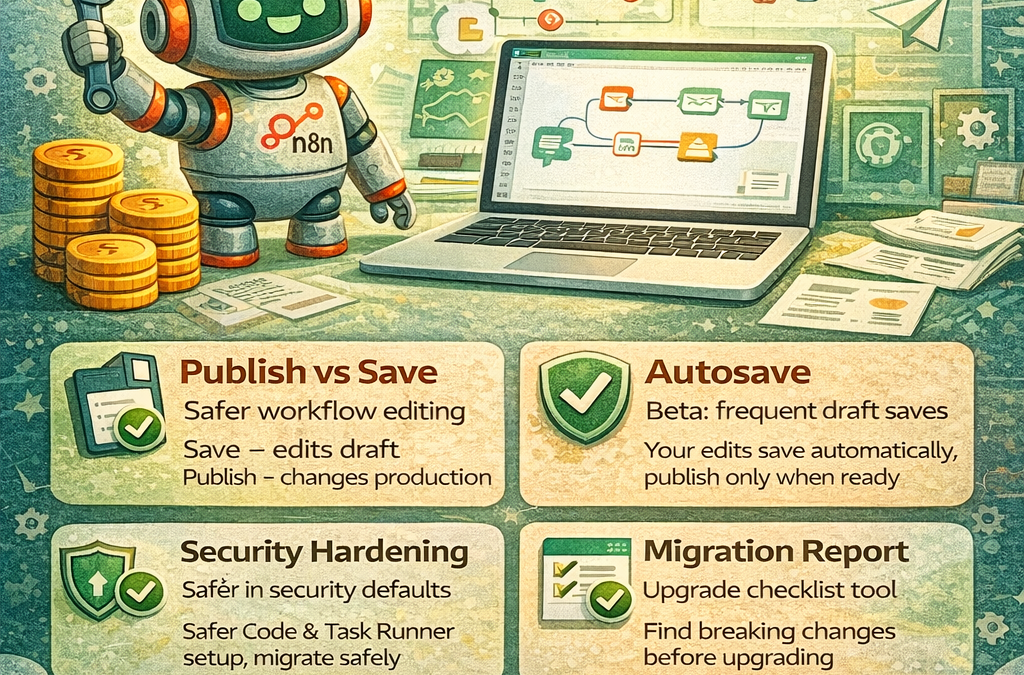
1) The biggest change: “Save” no longer changes production (Publish vs Save)
In n8n 1.x, saving an active workflow could instantly change what’s running in production. In n8n 2.0, that changed:
Save = saves your edits safely (draft changes)
Publish = intentionally pushes the changes live
This “Publish / Save” paradigm is designed to prevent accidental production updates and make workflow editing much safer.
Why this matters in daily work
You can test improvements, add nodes, refactor logic—without breaking the live workflow mid-day.
Teams can review changes before pushing them live.
2) Autosave is here (Beta) + safer workflow lifecycle
Autosave was one of the most requested features, and it has arrived in Beta starting in version 2.4.0, alongside improvements like “Versioned Publishing” and “Concurrency Protection.”
In the docs, n8n explains that while editing, it automatically saves changes frequently (example: every few seconds), and you publish only when ready.
How to use it (simple mindset)
Treat your editor as always saving your draft
Treat Publish as your “go live” button
This is especially helpful when building complex automations where browser crashes, tab closes, or mistakes used to lose work.
3) Security hardening became default (very important for self-hosting)
n8n 2.0 includes security-default changes such as:
Task runners enabled by default (Code node runs in isolated environments)
Environment variable access blocked from Code nodes by default
Some risky nodes (like ExecuteCommand / LocalFileTrigger) disabled by default
Other platform changes that reduce unsafe behavior
Task runners are the mechanism n8n uses to execute user-provided JavaScript/Python more securely, and the docs explain “internal vs external mode” (external is generally recommended for better isolation in production setups).
Why n8n is emphasizing security right now is not theoretical—there have been recent public vulnerability advisories affecting n8n, and official guidance strongly recommends upgrading and restricting exposed endpoints if you can’t patch immediately.
4) Upgrade safely: Migration Report + breaking-change awareness
Because 2.0 is a major change, n8n provides guidance to check readiness before upgrading, including using the Migration Report tool to identify workflow-level and instance-level issues.
Practical upgrade checklist (quick)
Backup your instance (database + n8n data).
Review 2.0 breaking changes (especially if you use Code node or “risky” nodes).
If self-hosted, plan task runner setup properly (especially external mode).
Test in staging, then Publish changes intentionally (new workflow lifecycle).
5) Better building experience + modern automation direction (AI workflows)
n8n has also been pushing modern “agentic” automation patterns—building automations that can reason and take actions using tools. n8n provides an AI Agent node and related documentation for tool-based agents and templates.
Even if you’re a beginner, this matters because it shows where n8n is going:
“Workflows” aren’t just simple triggers anymore
They can become smart pipelines for support, content ops, lead routing, reporting, and more
Mini conclusion (what you should do next)
If you’re learning n8n in 2026, focus on these 3 skills first:
Build with the draft mindset (Save doesn’t mean live)
Learn Autosave + Publish workflow habits (especially for big workflows)
Understand task runners + security defaults if you self-host