
10 Short n8n Tips (Beginner → Pro)
n8n becomes easy when you follow a few smart habits. Use these quick tips to build cleaner workflows, avoid errors, and save time.
10 Short n8n Tips
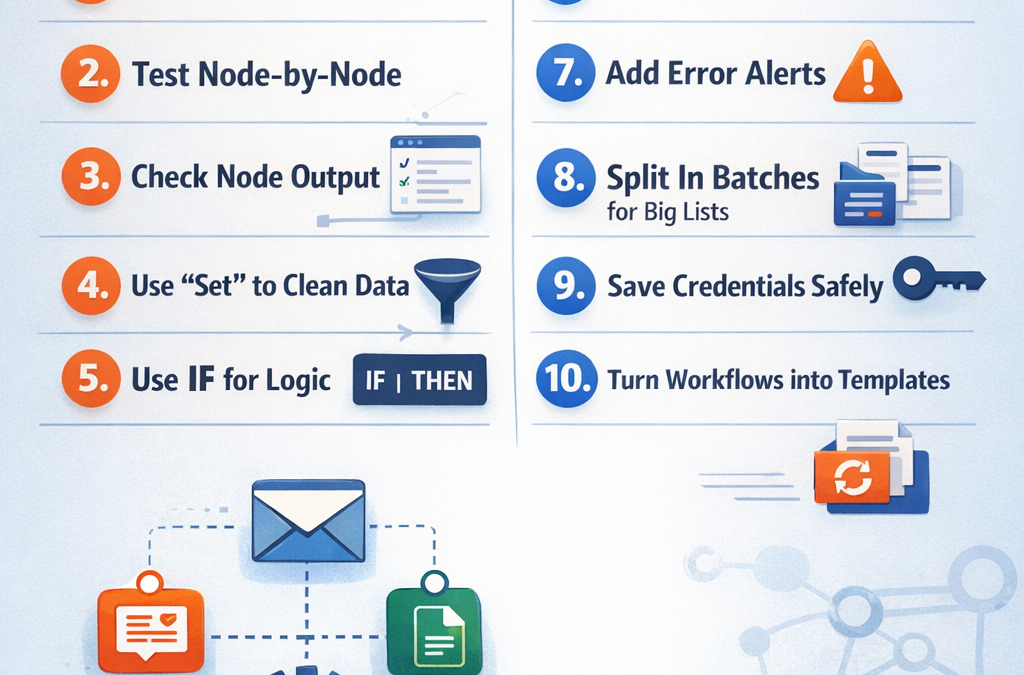
1) Name your nodes clearly
Instead of “HTTP Request”, rename it to “Get Orders from Stripe” so you understand the workflow later.
2) Test node-by-node (not the whole workflow)
Run each node and check the output before adding the next step. This prevents confusion.
3) Always check the node output panel
Most problems are solved by simply viewing what data the node is sending (JSON output).
4) Use Set node to clean data
Before sending data to another app, use Set to rename fields and keep only what you need.
5) Use IF for simple logic
Example: If “country = US” → send email A, else → send email B. Keep logic simple.
6) Use “Continue On Fail” only when needed
It helps workflows keep running, but you should also log the error or send a notification.
7) Add error alerts early
Send a Telegram/Email/Slack message when a workflow fails—so you don’t lose leads or orders.
8) Use Split In Batches for big lists
If you process 500+ items, split them into smaller batches to avoid rate limits and timeouts.
9) Save credentials properly (don’t hardcode)
Use n8n credentials manager for API keys—more secure and easier to manage.
10) Build once, then turn it into a template
After one workflow works, duplicate it and reuse it for other clients/projects. This is how you scale fast.